Guide
How to Get a Photo Under 100KB (for Forms and Applications)
July 16, 2026
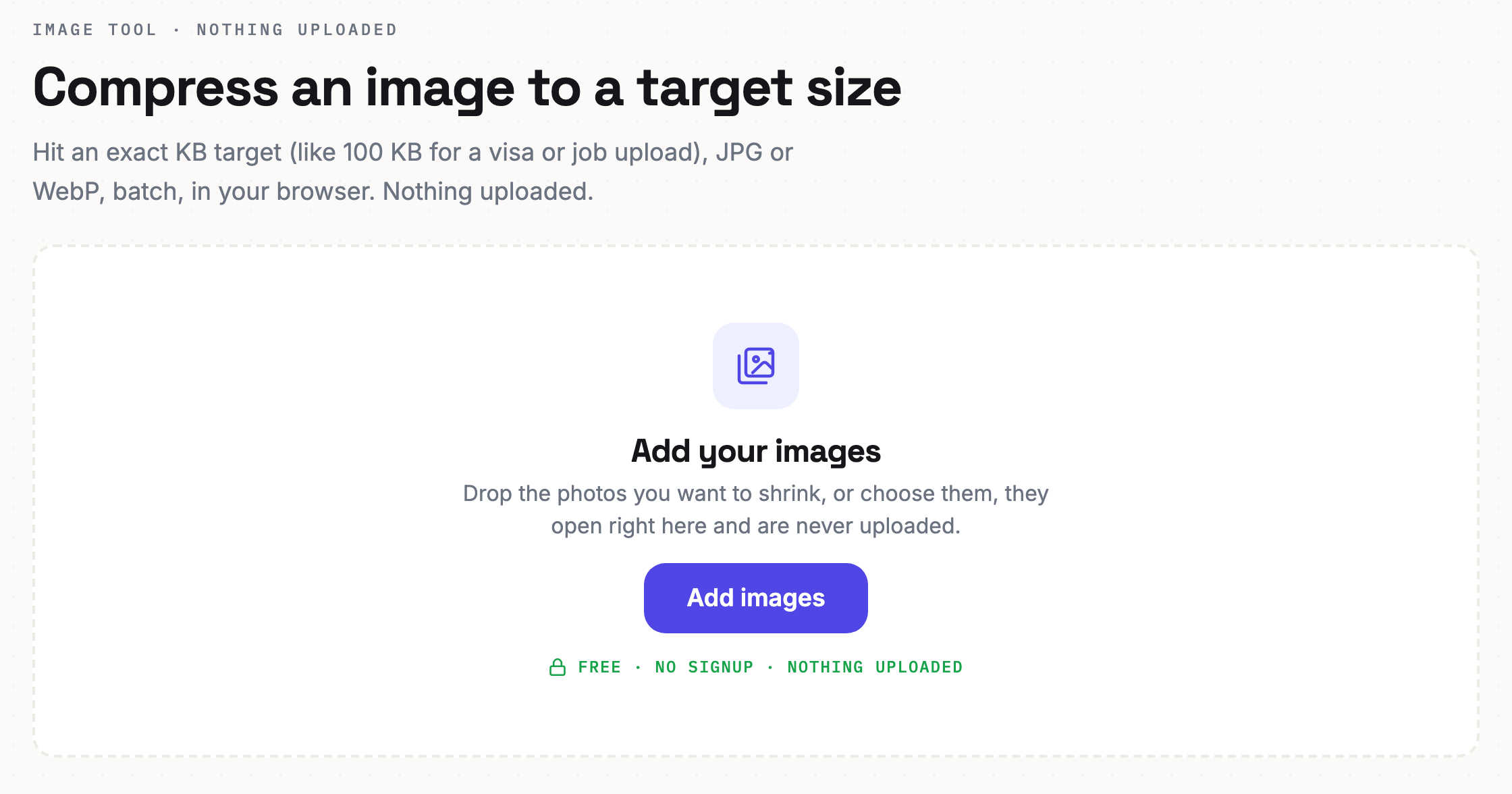
Filling out an application or uploading documents to an official site, you hit a wall: “photo must be under 100KB,” or “cannot exceed 200KB.” A modern phone photo is 3 to 5MB each, so it blows right past that limit, sometimes by more than thirty times.
What you need is to bring the photo under a set file size while keeping as much quality as possible.
Why the size limit?
Submission sites have to receive and store photos from huge numbers of people. Each one is several MB, and with tens of thousands of uploads the servers cannot keep up. So they cap it at something like “under 100KB.” It is not your fault, photos have simply gotten large.
Compress to a target size
Set a target size and the tool compresses to fit within it.
- Open the image compression tool. The button below opens it.
- Drop in your photo. Add the image you want to shrink.
- Set your target size. Enter a cap like 100KB or 200KB, and the tool compresses to fit inside it automatically.
- Download. Save the photo that meets the requirement.
Your photo is not uploaded. Everything runs inside your browser, so ID and passport-style photos stay private.
Keeping quality up
If 100KB feels too tight, first reduce the photo's pixel dimensions. Taking a 4000px image down to 1500px drops the file size sharply with no visible quality loss, making the target much easier to hit.
- ID and passport photos can smear if you compress too hard, so resize first, then compress.
- Photos of documents only need the text to be readable, so you can compress more aggressively.
- Matching several photos to the same limit? Just set the same target size for each.
Common questions
Will it come out exactly under 100KB? Yes, it fits within the cap you set. Nudge the target up or down to land where you want.
Do JPG and PNG both work? Yes, common photo formats all compress. For photographs, JPG usually gives the best quality for the size.
Is my photo sent anywhere? No. Compression happens only on your device, and the photo is never uploaded.
If a size limit blocked you right before submitting, this takes about a minute. Shrink it now.