Guide
How to Reduce PDF Size When It Is Too Big to Email
July 16, 2026
You go to attach a PDF and get “attachment too large.” Scanned documents and image-heavy files climb past 20 or 30MB fast, and most email attachment limits sit around 25MB, so you land right on the edge.
You do not need to rebuild the PDF. You just need to reduce its size.
Why is the PDF so big?
Most of a PDF’s size is the images inside it, especially scanned documents and high-resolution photos. A text-only PDF is light, but drop in a few photos and it balloons by dozens of times.
Compression re-saves those images at a sensible quality to bring the whole file down. The text stays crisp.
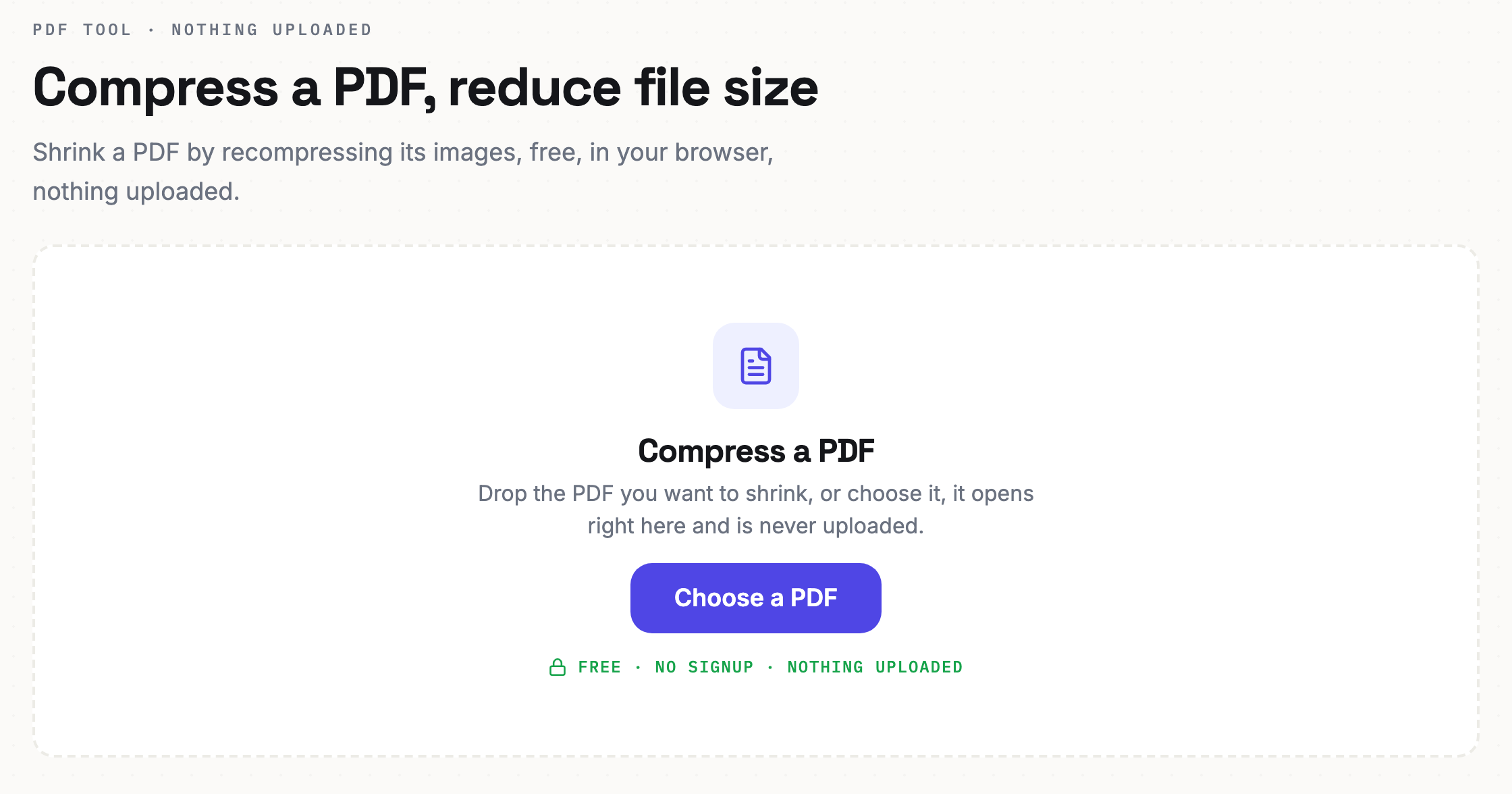
Compress right in your browser
Drop a PDF in and it shrinks. The file never leaves your device.
- Open the PDF compression tool. The button below opens it.
- Drop in your PDF. Add the file you want to shrink.
- Compress and download. When it finishes, save the smaller PDF.
Your file is not uploaded. Contracts and internal documents that must not leak stay safe on your device.
Getting it smaller
If it is still large after compressing, keep only the pages you actually need. Dropping unnecessary pages first cuts the size noticeably.
- Scanned documents compress especially well, because the image data leaves a lot of room to shrink.
- Text-heavy PDFs are already light, so compression does less. Splitting the file may help more.
- Still too big? Split the PDF into a few parts and send them separately.
Common questions
Does compressing blur the text? No. The text stays sharp. Compression mainly targets the images inside.
How much will it shrink? It depends on the file. Image-heavy PDFs can drop below half, while text-only PDFs change little.
Is the file uploaded? No. Compression runs only in your browser. The file is never sent anywhere.
If an attachment limit has been holding you up, one compression usually fixes it. Shrink it now.